
Nevquo Pixel › Remove location and camera data
A photo from your phone can contain the exact coordinates of where you took it, the camera model and the time. This page removes that data in your browser, without uploading the photo to a stranger's server to do it.
How to remove location data from a photo
- Choose what to remove. Everything is the default and the safest choice. Location only removes just the GPS position.
- Add your photos. Rows with a green "GPS removed" label had location data that is now gone.
- Download the clean copies. Your originals are never changed.
What is hidden inside a photo file
Most cameras and phones write an EXIF block next to the picture. It commonly includes GPS coordinates if location was switched on, the make and model of the device, the lens, the date and time, and sometimes a small preview image. Some programs add more, such as the editing software or the author's name. Anyone who gets the file can read all of this with free tools, and some websites do not remove it when you upload.
What this page does to the file
For JPEG photos, the page works losslessly. It rewrites the file without the metadata blocks and leaves the picture data alone, so there is no quality loss at all and the file gets a little smaller. The one detail it keeps is the rotation flag, so a portrait photo does not suddenly turn on its side. Colour profiles are kept too, so colours do not shift.
PNG, WebP and TIFF files are re-saved losslessly without metadata. That removes the extra information but can make some of them larger, for instance a lossy WebP re-saved as lossless.
Choose Location only if you want to keep the camera and date but remove where the photo was taken.
What it cannot hide
Removing metadata is not the same as anonymizing a photo. The picture itself can still show a street sign, a house number, a reflection or a familiar skyline. Also, social networks and messaging apps usually strip some metadata on their own but not always the same data, so it is safest to clean a file before you share it. For HEIC photos from an iPhone, use HEIC to JPG, which writes a JPG without any metadata.
A real before and after
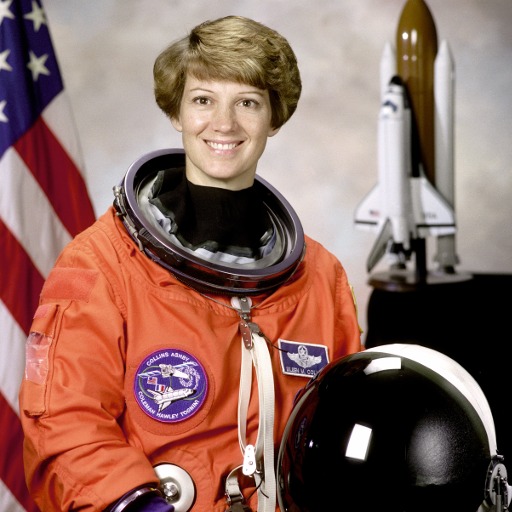
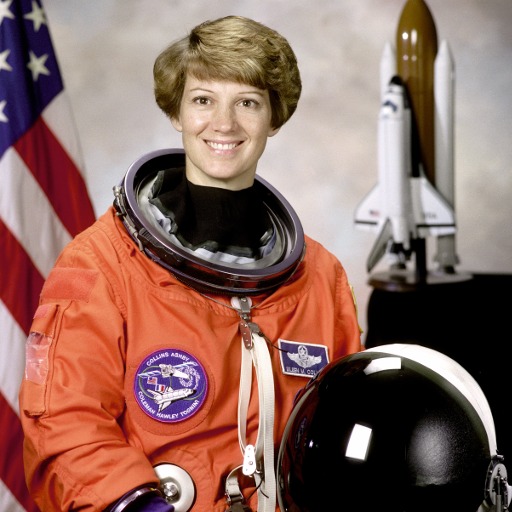
We took a photograph and added made-up camera details and GPS coordinates of a public landmark, so no real person's data is shown. Then we ran it through this page.
| File | Setting | Before | After | Saved |
|---|---|---|---|---|
| astronaut-geotagged.jpg | everything | 73 KB JPEG | 73 KB JPEG | 0% |
| astronaut-geotagged.jpg | location only | 73 KB JPEG | 73 KB JPEG | 0% |
What was inside the file
| Metadata | Original | Everything removed | Location only removed |
|---|---|---|---|
| GPS location | Yes | No | No |
| Camera make and model | Example Camera Co EX-100 | None | Example Camera Co EX-100 |
| Date and time taken | 2026:06:01 10:15:00 | None | 2026:06:01 10:15:00 |
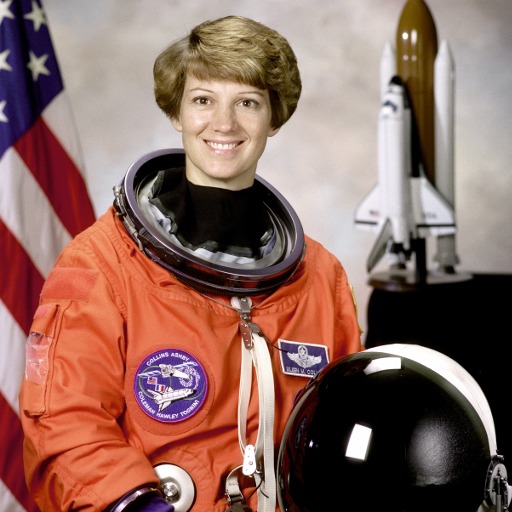
| Picture data changed | No: every pixel identical | No: every pixel identical |
Test images: astronaut: NASA portrait of Eileen Collins (public domain). The photos come from the public-domain and CC0 images bundled with scikit-image, at their original size. The camera name and date in the test file are invented, and the coordinates point to the Statue of Liberty. Measured with the Nevquo Pixel engine, version 1.2.0, on 2026-10-10. Check it yourself: astronaut-geotagged.jpg (original). Results (astronaut-geotagged.jpg, astronaut-geotagged.jpg).
Frequently asked questions
Will removing the data change my photo?
For JPEG, no. The picture data is copied as is, so the pixels are identical. Only the metadata is dropped.
Does it keep the photo upright?
Yes. The orientation flag is kept so portrait photos still display the right way up.
Why does a PNG or WebP sometimes get bigger?
Those files are re-saved losslessly to remove the metadata. A file that was originally lossy can grow when it is saved without loss.
Can it clean HEIC photos?
Use the HEIC to JPG page: its JPG files contain no location or camera data.
Is it safe to use for private photos?
The photos stay on your device. The page does not upload them anywhere to clean them.