
Nevquo Pixel › Benchmarks
Image compression benchmarks you can repeat
These are our own measurements, made with the same engine you run in your browser, on test images we are allowed to publish. Every file and every number is downloadable, so you can repeat the run and check us.
The headline
With no settings changed (Smart quality, automatic format), 13 test files went from 2.51 MB to 277 KB: 89% smaller in total. Per file the saving ranged from 55% to 97% (median 84%). Every lossy result scored at least 98.8 on the visual score, where 100 means identical.
Each file, default settings
| File | Before | After | Saved | Visual score |
|---|---|---|---|---|
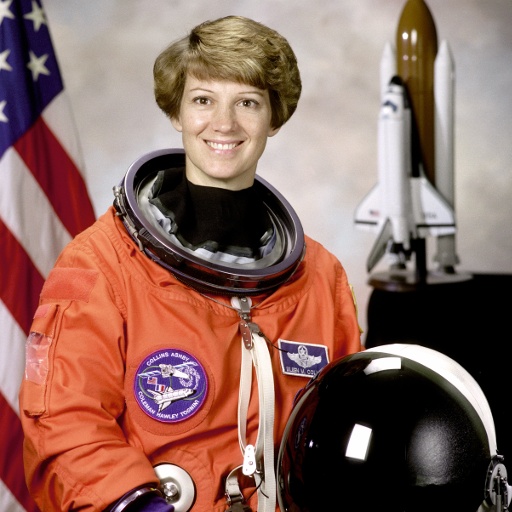
| astronaut.jpg Photos saved as JPEG | 103 KB | 26 KB AVIF | 75% | 98.8 |
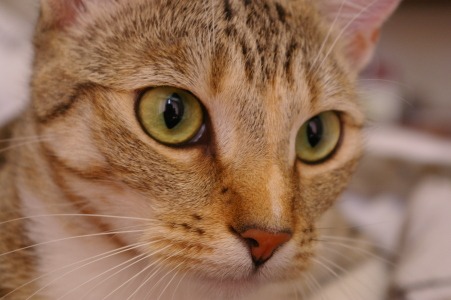
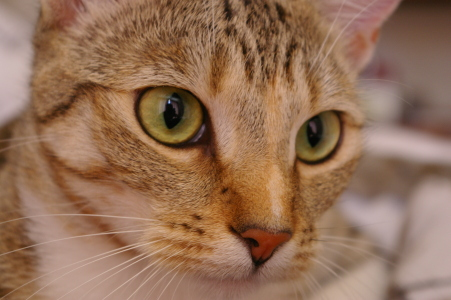
| chelsea.jpg Photos saved as JPEG | 43 KB | 15 KB AVIF | 66% | 98.8 |
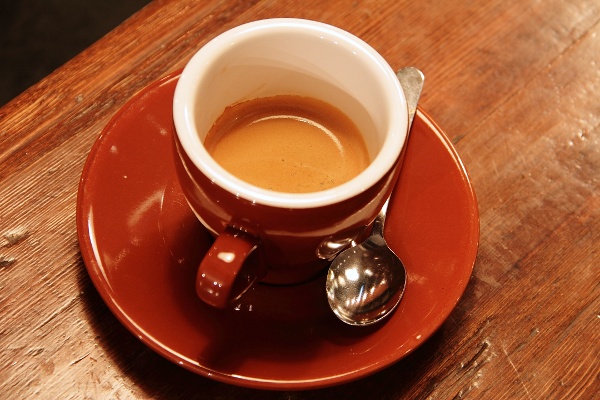
| coffee.jpg Photos saved as JPEG | 108 KB | 37 KB AVIF | 65% | 98.8 |
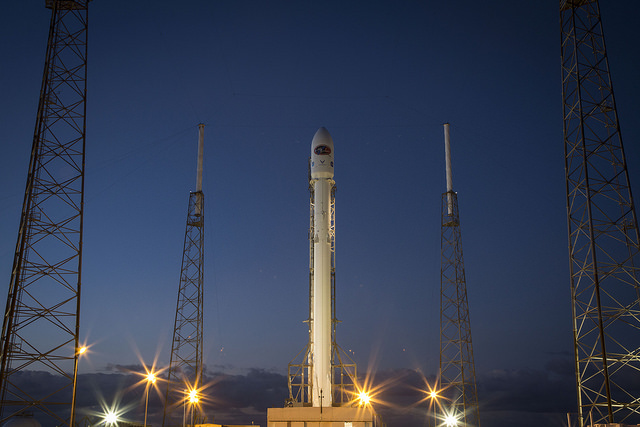
| rocket.png A photo saved as PNG | 305 KB | 26 KB AVIF | 91% | 98.8 |
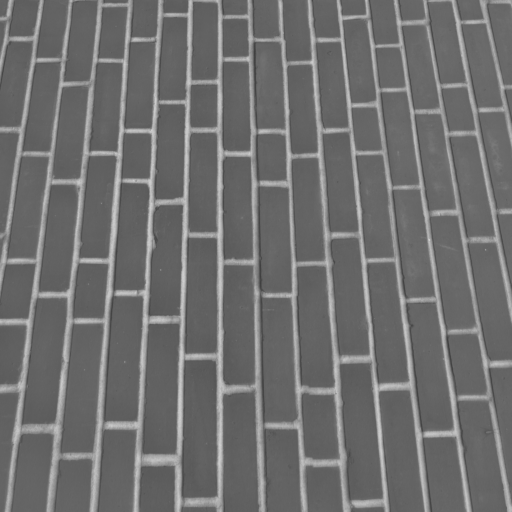
| brick.png Fine textures (PNG) | 167 KB | 26 KB AVIF | 84% | 98.8 |
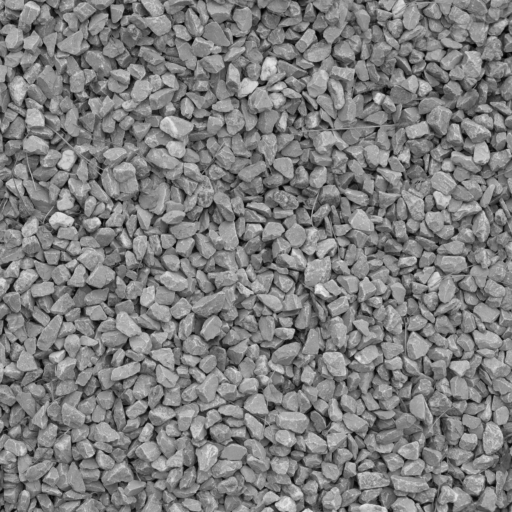
| gravel.png Fine textures (PNG) | 333 KB | 36 KB WebP | 89% | 98.8 |
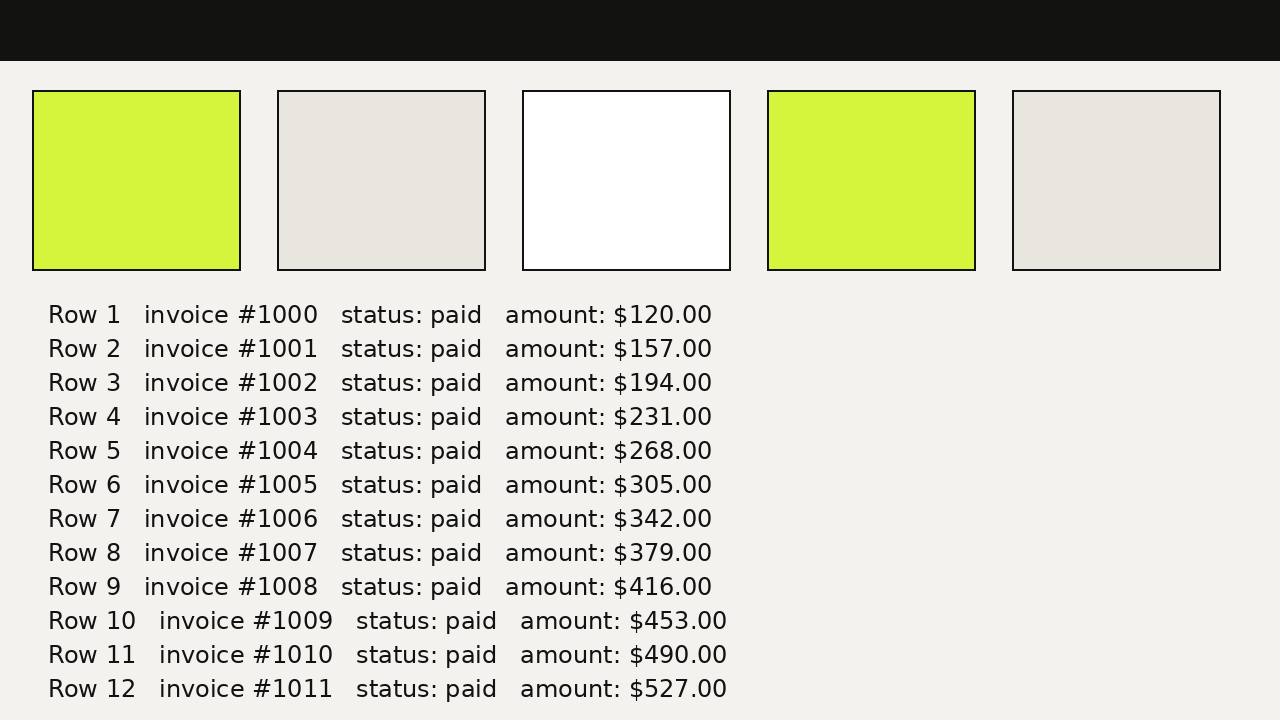
| ui-screenshot.png Screenshot-style graphic (PNG) | 99 KB | 9.1 KB PNG | 91% | 99.9 |
| logo-alpha.png Logo with transparency (PNG) | 7.9 KB | 2.3 KB WebP | 71% | identical |
| badge.svg SVG from a drawing program | 9.4 KB | 653 B SVG | 93% | identical |
| chelsea.bmp Uncompressed BMP and TIFF | 397 KB | 15 KB AVIF | 96% | 98.9 |
| astronaut.tiff Uncompressed BMP and TIFF | 774 KB | 24 KB AVIF | 97% | 98.8 |
| coffee.webp A photo saved as WebP | 75 KB | 34 KB AVIF | 55% | 98.8 |
| astronaut.heic A photo saved as HEIC | 145 KB | 25 KB AVIF | 83% | 98.8 |
| Total (13 files) | 2.51 MB | 277 KB | 89% |



Smart quality, output format chosen automatically per image. The bar shows the new size as a share of the original. Click a file name to download it.
Savings by image type and quality mode
Median saving for each kind of image. Gentle, Smart, Balanced and Aggressive use the automatic format and aim for a visual score of about 99.3, 98.8, 97.8 and 95.8. Lossless keeps every pixel in the file's own format (BMP and TIFF become lossless WebP).
| Image type | Files | Gentle | Smart | Balanced | Aggressive | Lossless |
|---|---|---|---|---|---|---|
| Photos saved as JPEG | 3 | 55% | 66% | 77% | 84% | 5% |
| A photo saved as PNG | 1 | 89% | 91% | 94% | 95% | 6% |
| Fine textures (PNG) | 2 | 63% | 87% | 93% | 95% | 42% |
| Screenshot-style graphic (PNG) | 1 | 91% | 91% | 91% | 91% | 35% |
| Logo with transparency (PNG) | 1 | 71% | 71% | 71% | 71% | 60% |
| SVG from a drawing program | 1 | 93% | 93% | 93% | 93% | 93% |
| Uncompressed BMP and TIFF | 2 | 95% | 97% | 98% | 98% | 60% |
| A photo saved as WebP | 1 | 38% | 55% | 67% | 79% | 0% |
| A photo saved as HEIC | 1 | 74% | 83% | 89% | 92% | 0% |
| All 13 files | 13 | 74% | 84% | 91% | 92% | 35% |
Higher is better. One-file groups show that single file's result, so read them as examples, not averages. Lossless on the three JPEG photos saved a median of 5% with identical pixels; coffee.webp and astronaut.heic could not be shrunk without changing pixels, so the original was kept.
Which format is smallest?
The same files at Smart quality, saved as each format. The smallest of JPEG, WebP and AVIF is highlighted. The last column is what the automatic Format Race picked.
| File | Keep format | JPEG | WebP | AVIF | Automatic pick |
|---|---|---|---|---|---|
| astronaut.jpg | 29 KB JPEG | 29 KB | 34 KB | 26 KB | 26 KB AVIF |
| chelsea.jpg | 17 KB JPEG | 17 KB | 17 KB | 15 KB | 15 KB AVIF |
| coffee.jpg | 43 KB JPEG | 43 KB | 44 KB | 37 KB | 37 KB AVIF |
| rocket.png | 286 KB PNG | 33 KB | 31 KB | 26 KB | 26 KB AVIF |
| brick.png | 101 KB PNG | 39 KB | 32 KB | 26 KB | 26 KB AVIF |
| gravel.png | 115 KB PNG | 32 KB | 36 KB | 33 KB | 36 KB WebP |
| ui-screenshot.png | 9.1 KB PNG | 147 KB | 8.5 KB | 32 KB | 9.1 KB PNG |
| logo-alpha.png | 3.2 KB PNG | – | 2.3 KB | 5.4 KB | 2.3 KB WebP |
| badge.svg | 653 B SVG | – | – | – | 653 B SVG |
| chelsea.bmp | 17 KB JPEG | 17 KB | 17 KB | 15 KB | 15 KB AVIF |
| astronaut.tiff | 27 KB JPEG | 27 KB | 33 KB | 24 KB | 24 KB AVIF |
| coffee.webp | 40 KB WebP | 36 KB | 40 KB | 34 KB | 34 KB AVIF |
| astronaut.heic | 30 KB JPEG | 30 KB | 33 KB | 25 KB | 25 KB AVIF |
"Keep format" leaves a PNG a PNG, so it stays almost pixel-exact and is not a like-for-like comparison with the lossy columns. A dash means the format does not apply: JPEG cannot hold transparency, and an SVG is not turned into a photo format.
- AVIF was smallest for 9 of 12 raster images, WebP for 2.
- On the screenshot-style graphic, AVIF was 3.5 times larger than the PNG the race chose (32 KB against 9.1 KB). Flat colours and sharp text can be hard for AVIF, which is why a race beats a fixed choice.
- For gravel.png, AVIF (33 KB) was slightly smaller than WebP (36 KB), but AVIF has to win by at least 8% to be chosen. A tiny gain is not worth a format that is slower to open.
What these numbers do not tell you
- The images are small. Most are well under one megapixel, and the largest is 1280 × 720. A phone photo is about 12 megapixels, so ratios on your own photos can differ. We can only publish images we have the rights to, and those are small.
- The JPEGs were made by us from the public-domain originals at quality 92 to 95. Many web JPEGs are already squeezed harder and have less room to shrink.
- The screenshot, logo and SVG were drawn by script. Real ones are messier, so treat their savings as an example of the method.
- One machine, one browser (Chromium 141.0.7390.37 on Linux, version 1.3.0 of the app). Repeating the whole run gave byte-identical files. Other browsers run the same engine and should match closely, but we have only measured this one.
- Only file size is measured. Speed depends on your device, so we do not quote it.
How the visual score works
It is our own measure, not a human opinion. It compares each result with the original in small windows of the picture and combines the average similarity with the worst 5% of windows, so one damaged area cannot hide behind a good average. 100 means identical. Treat it as a guard rail and use the before-and-after slider in the app to judge for yourself.
Download the files and repeat the run
- Download the ZIP and unzip it.
- Open Nevquo Pixel, choose Settings, and pick the quality mode and, under Format, the output (Auto (Format Race) for the default run).
- Add the files from the
inputsfolder and compare the sizes withresults.csv. If the app has been updated since 10 October 2026, small differences are possible; the changelog says what changed.
Where the test images come from
The photographs and textures are sample images bundled with the open-source scikit-image library, whose documentation records their licences. We publish no image whose licence we could not confirm.
| Files | What it is | Source | Licence |
|---|---|---|---|
| astronaut.jpg astronaut.tiff astronaut.heic | Portrait of astronaut Eileen Collins | NASA Great Images collection, via the scikit-image sample images | Public domain (NASA) |
| chelsea.jpg chelsea.bmp | Chelsea the cat | Photo by Stefan van der Walt, via the scikit-image sample images | CC0 (no rights reserved) |
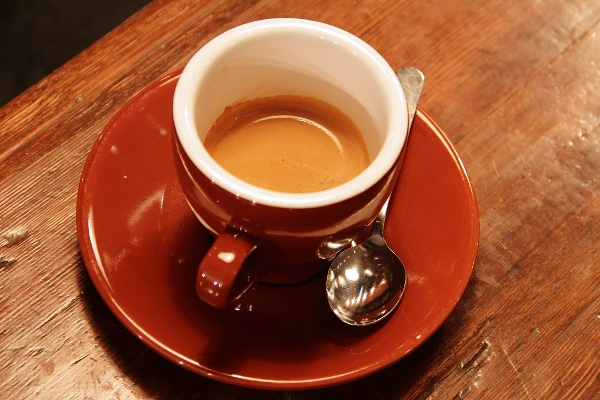
| coffee.jpg coffee.webp | A cup of coffee | Photo by Rachel Michetti, courtesy of Pikolo Espresso Bar, via the scikit-image sample images | CC0 (no rights reserved) |
| rocket.png | A Falcon 9 rocket launching | Photo by SpaceX, via the scikit-image sample images | Released into the public domain by SpaceX |
| brick.png gravel.png | Brick wall and gravel textures (fine detail, grey) | CC0Textures, prepared by the scikit-image project (rescaled, cropped to 512 × 512, greyscale) | CC0 (no rights reserved) |
| ui-screenshot.png logo-alpha.png badge.svg | A screenshot-style interface, a logo with a transparent background, and an SVG as a drawing program exports it | Created by Nevquo for these tests | Ours; provided so that anyone can repeat the benchmark |
Frequently asked questions
Will I get the same savings on my own photos?
Not exactly. Savings depend on how detailed the picture is and how hard it was compressed before. Photos straight from a camera or phone usually have more room to shrink than images that were already optimized. The table by image type shows the spread we measured.
Why not test with larger photos?
We can only publish images we have the right to share. Our public-domain and CC0 photos are small, so we measured those rather than use pictures we could not publish.
Why does the automatic pick not always match the smallest column?
The race adds two rules. A result must reach the quality target, and AVIF must beat the best alternative by at least 8%, so you do not get a format that is slower to open for a tiny gain.
Can I use these images in my own work?
The photographs and textures are public domain or CC0 as listed above. The screenshot, logo and SVG are ours and are provided so that anyone can repeat the benchmark.
Do you test speed?
No. Speed depends on your processor and browser, so a number from our machine would mislead you.