
Nevquo Pixel › Compress PNG
PNG files get large quickly, especially screenshots with gradients and photos saved as PNG. This page makes them smaller in your browser and checks each result against the original before you download it.
How to compress a PNG
- Add your PNG files. Drop them on the page, paste from the clipboard, or choose a whole folder.
- Leave the quality on Smart unless you have a reason to change it. The visual score shown next to each result tells you how close it is to the original; 100 means identical.
- Compare, then download. Open Compare to see the before and after side by side, then download one file or all of them as a ZIP.
What happens to your PNG
PNG can store every pixel exactly, which is why it is large. Smart mode tries a cleverer route first: it reduces the picture to a smaller set of colours and lets the encoder pack it much tighter, then measures how different the result looks. If the difference is too visible, it backs off to a safer setting. If nothing lossy passes the check, you get a lossless re-pack that changes no pixels at all.
Transparency is kept. A logo with a soft shadow keeps its soft shadow, because the transparent part is treated as part of the image and not flattened onto white.
If you need the file to be pixel-for-pixel identical, choose Lossless. It only removes waste inside the file and usually saves less, but nothing about the image changes.
When PNG is the wrong format
Photos are poor candidates for PNG. A photograph saved as PNG is often several times larger than the same photograph as JPEG or WebP, and no PNG optimizer can fully close that gap. If the picture has no transparency and does not need to stay pixel-perfect, try converting it to WebP or compressing it as a JPEG instead. Screenshots, logos, icons, diagrams and anything with flat colours or sharp text are where PNG makes sense, and where this page helps most.
Settings used on this page
The page keeps each file as a PNG. The default quality target is the same Smart level used everywhere in Nevquo Pixel, and your changes on this page are remembered for next time in your own browser only.
A real before and after
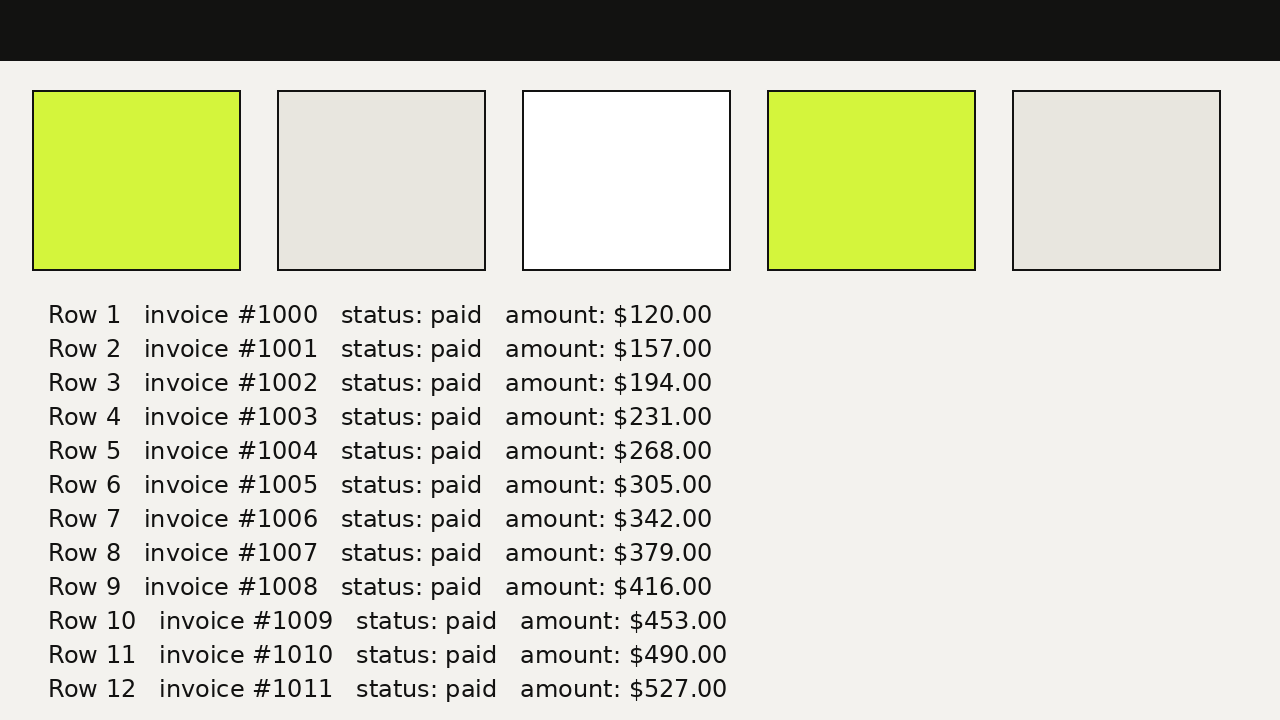
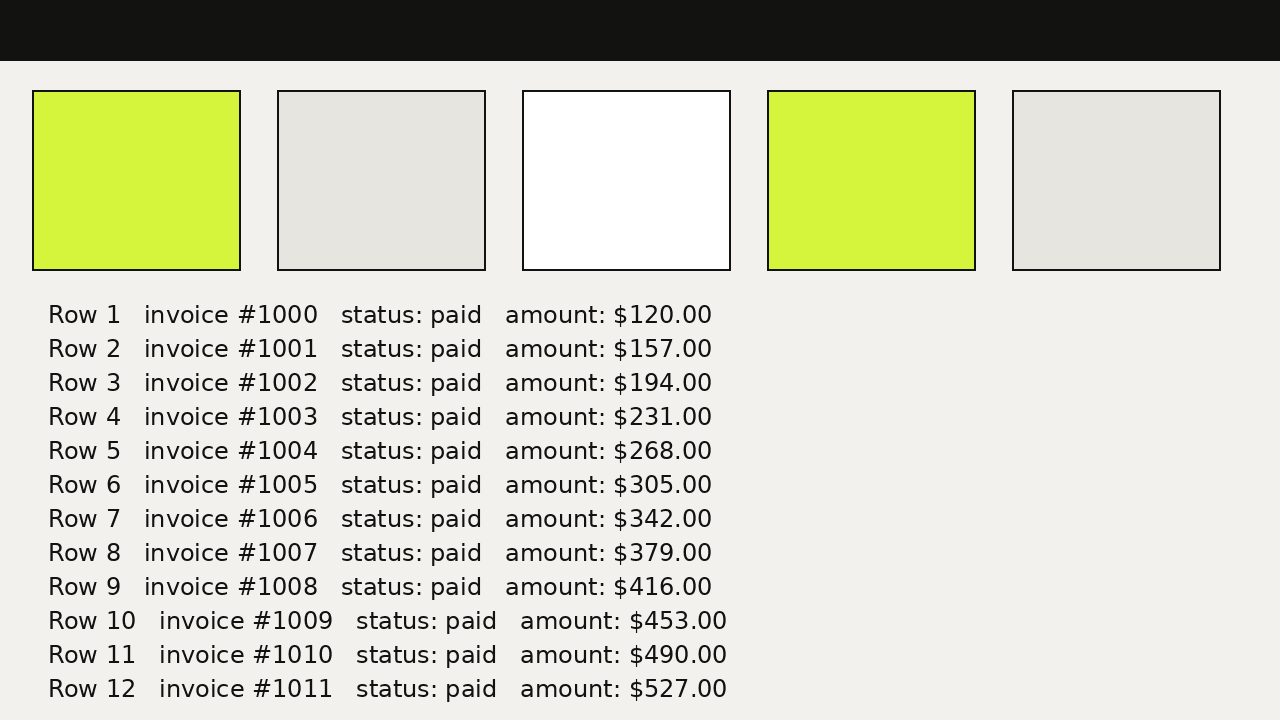
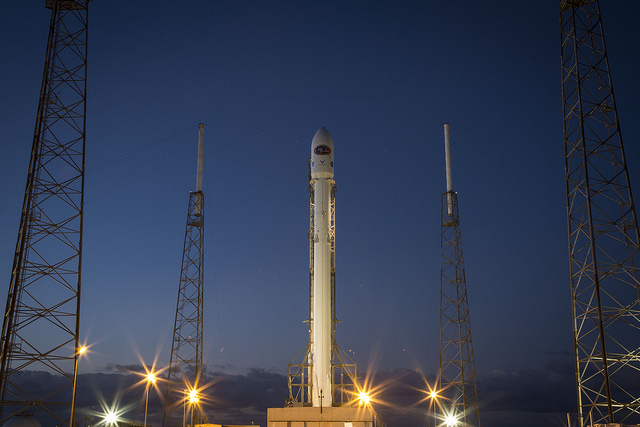
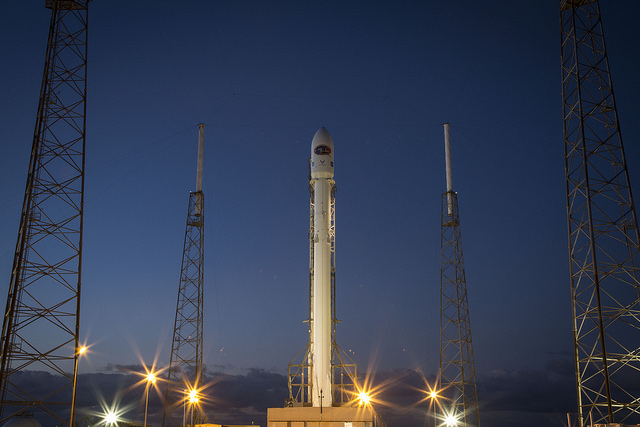
We ran three PNG files through this page with its default settings: a screenshot-style graphic, a photograph saved as PNG, and a logo with transparency. The picture below is the graphic. The photograph shows the limit of the approach: PNG gains little on photos, which is why the next section points to other formats.
| File | Before | After | Saved | Visual score |
|---|---|---|---|---|
| ui-screenshot.png | 93 KB PNG | 9.1 KB PNG | −90% | 100.0 |
| rocket.png | 305 KB PNG | 286 KB PNG | −6% | identical |
| logo-alpha.png | 7.9 KB PNG | 3.2 KB PNG | −60% | 100.0 |
Test images: rocket: SpaceX photo of a Falcon 9 launch carrying DSCOVR (released into the public domain). The photos come from the public-domain and CC0 images bundled with scikit-image, at their original size. The ui-screenshot and logo-alpha files were drawn by us. Measured with the Nevquo Pixel engine, version 1.2.0, on 2026-10-10. Check it yourself: ui-screenshot.png (original), rocket.png (original), logo-alpha.png (original). Results (ui-screenshot.png, rocket.png, logo-alpha.png).


Frequently asked questions
Is compressing a PNG lossy?
It can be. Smart mode reduces the number of colours when the result still passes the visual check, which is the same idea other PNG compressors use. If you pick Lossless, no pixel changes.
Will my transparent background survive?
Yes. PNG output keeps the alpha channel, so transparent and semi-transparent areas stay as they were.
Why did a file not get smaller?
Some PNGs are already tightly packed. In that case the page keeps your original and marks it "Already optimal", so you never download something bigger.
Is there a limit on how many PNG files I can do?
No. There is no cap on the number of images. Each file can be up to 300 MB, and since the work happens on your device, speed depends on your computer or phone.
Are my PNG files uploaded?
No. The compression runs in your browser, and you can confirm it by watching the Network tab in your browser tools while you compress: no image is sent anywhere.