
Nevquo Pixel › Compress to a size in KB
Application forms, job portals and email systems often say "maximum 100 KB". Instead of one page for 50 KB, another for 100 KB and another for 200 KB, this one page has a box where you type the number you need.
How to get an image under a size limit
- Type the limit in the KB box above the drop area. The default is 100 KB.
- Choose the format. JPG is the default because every form accepts it. Pick Keep each format or WebP only if you know the site takes them.
- Add your images. Each result shows its new size. If you change the number, press Run again to apply it.
How the page reaches your number
First it finds the lowest quality that still looks like your original, using the same visual check as the rest of Nevquo Pixel. If that already fits under your limit, you are done and the file is not squeezed further than needed. If it does not fit, the page lowers the quality step by step. Only when the quality alone cannot reach the limit does it also reduce the picture size in small steps, until the file fits.
A smaller target always costs something. Going from a 3 MB photo to 100 KB is realistic and usually looks fine; going to 20 KB means visible blur or a much smaller picture. The visual score next to each result tells you how much was given up.
Things that trip people up
KB means 1024 bytes here. Some websites count 1000 bytes per KB. If a form is strict, aim a little lower, for example 95 for a 100 KB limit.
Pixel size can matter as well. A form that asks for 100 KB may also ask for a particular width and height. For exact pixel sizes, use Resize an image in pixels first, then come back here.
Transparent images become JPG with a white background. If you need transparency, choose Keep each format and use PNG or WebP.
The limit is a maximum. A picture that is already smaller than your number stays as it is.
If the target cannot be met
Very small limits on large, detailed pictures may be out of reach, even at the lowest quality and a reduced size. In that case the page says so on that row and gives you the smallest file it could make, instead of pretending it worked.
A real before and after
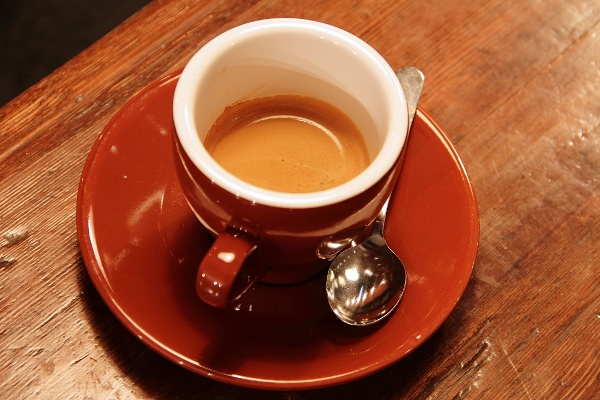
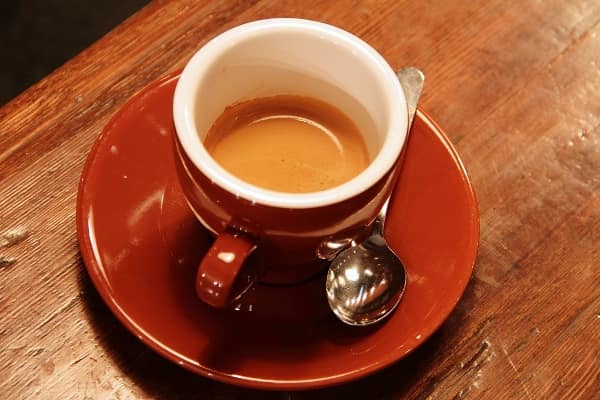
We ran two JPEG photographs through this page with the limits shown in the table: 30 KB for the first and 20 KB for the second. Both limits are lower than what the automatic quality check alone would produce, so the page had to go further. The picture below is the first one.
| File | Setting | Before | After | Saved | Visual score |
|---|---|---|---|---|---|
| coffee.jpg | 30 KB | 102 KB JPEG | 30 KB JPEG | −71% | 98.1 |
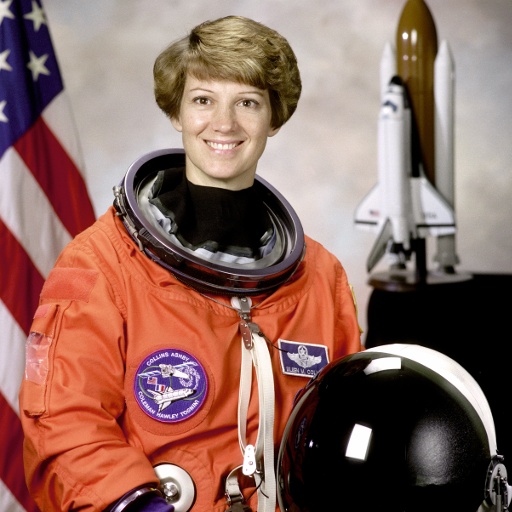
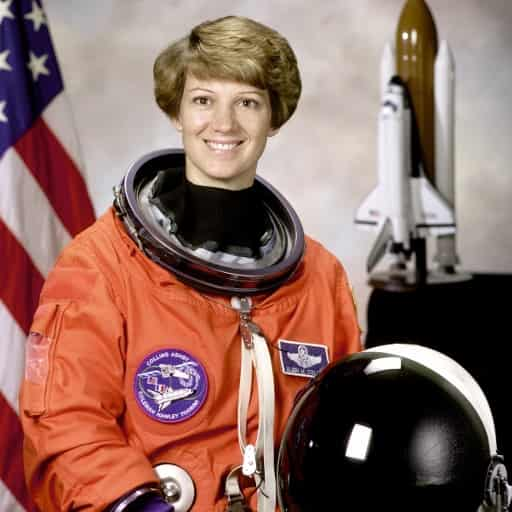
| astronaut.jpg | 20 KB | 97 KB JPEG | 20 KB JPEG | −80% | 97.8 |
Test images: coffee: photo by Rachel Michetti (CC0); astronaut: NASA portrait of Eileen Collins (public domain). The photos come from the public-domain and CC0 images bundled with scikit-image, at their original size. Both were saved as JPEG at quality 95 for this test. Measured with the Nevquo Pixel engine, version 1.2.0, on 2026-10-10. Check it yourself: coffee.jpg (original), astronaut.jpg (original). Results (coffee.jpg, astronaut.jpg).
Frequently asked questions
Can I compress an image to exactly 100 KB?
The page makes the file at most 100 KB. It does not pad a file to reach an exact size, and a picture that is already small stays as it is.
Why is the result a little smaller than my limit?
Quality is searched in whole steps, so the final file usually lands just under the limit, not exactly on it.
Can I use it for 20 KB passport photos?
Often yes for the file size, but such forms also ask for exact dimensions. Resize to those dimensions first with the pixel resize page, then use this one.
Does it work for PNG or HEIC files?
Yes. Whatever you drop is converted to the format you chose (JPG by default) and fitted under your limit.
Are my images uploaded to compress them?
No, the work is done in your browser. This matters for ID photos and documents.